Smaller images, faster emails
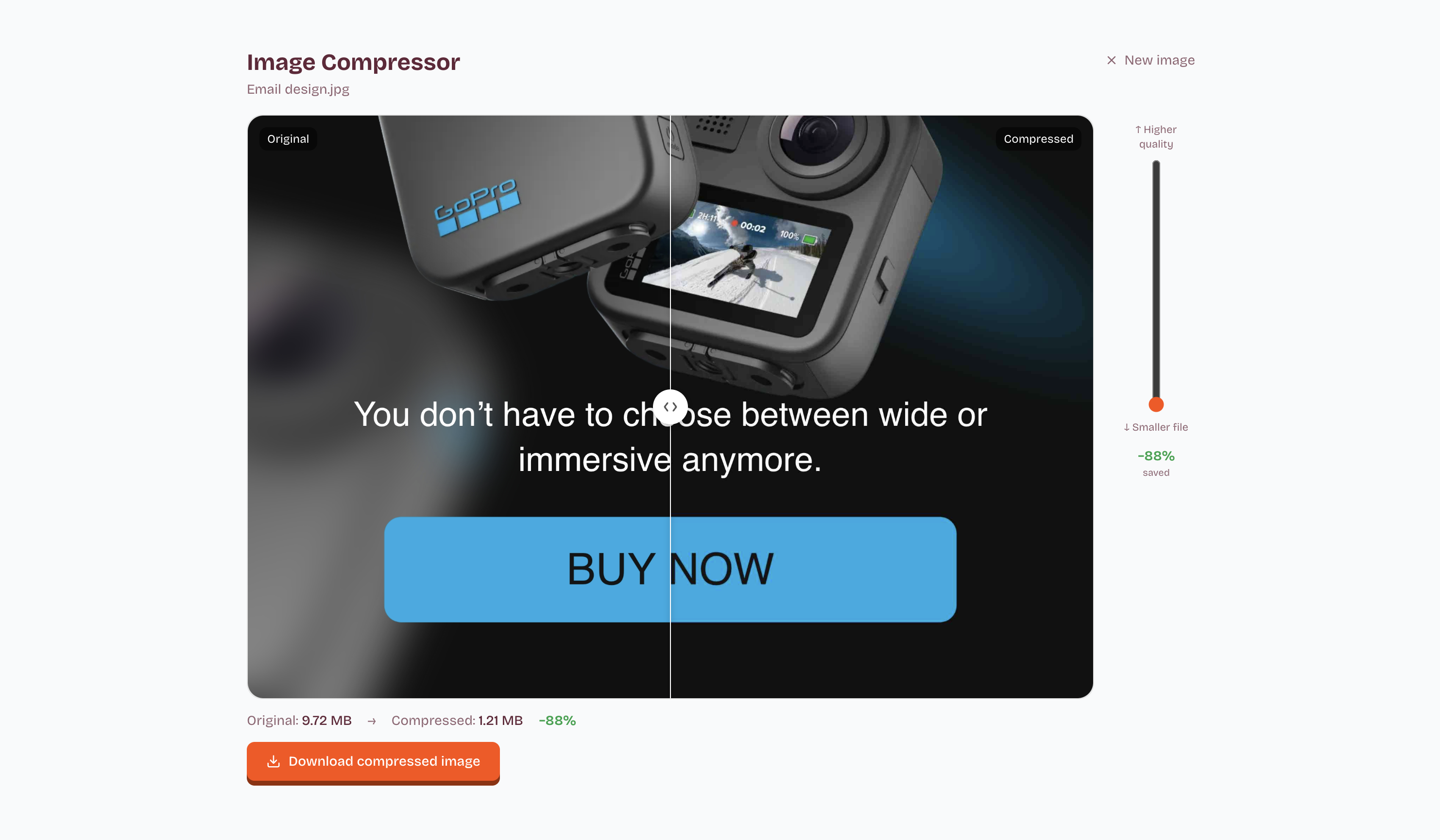
Heavy images slow down load times and get clipped by Gmail. Our Compressor shrinks your artwork dramatically without visible quality loss.
Works with the tools you already use :
MailchimpBrevoHubspotActiveCampaignKlaviyoWorks with the tools you already use :
Works with the tools you already use :
Three steps, done
No complicated settings. Just upload, adjust, and download.
Upload your artwork
Drop in the full-size JPEG or PNG you've exported from Canva, Figma, or Photoshop.
Choose your quality
Drag the slider to find the sweet spot between file size and visual fidelity, the preview updates live.
Download and use
Get your optimized file instantly. Use it directly in your ESP or as the source for a Swaps campaign.
Smart optimization
Smart compression
Our algorithm targets the heaviest visual areas first, so quality loss is nearly imperceptible.
Live before/after preview
Compare the original and compressed version side by side before you commit.
Instant download
No waiting. The compressed file is ready the moment you confirm your quality setting.
Stays on your account
Compressed files are tied to your account so you can re-download or use them in Swaps later.
Stop losing opens to slow loads
Gmail automatically truncates overly long emails. Massive images also create slow loading times on mobile devices. Running a single compression routine solves both issues.
Frequently asked questions
Still have questions? Contact our support team.